 Historical archive . public documentHistorical archive . public document
5337ArtworkTemplate.pdf
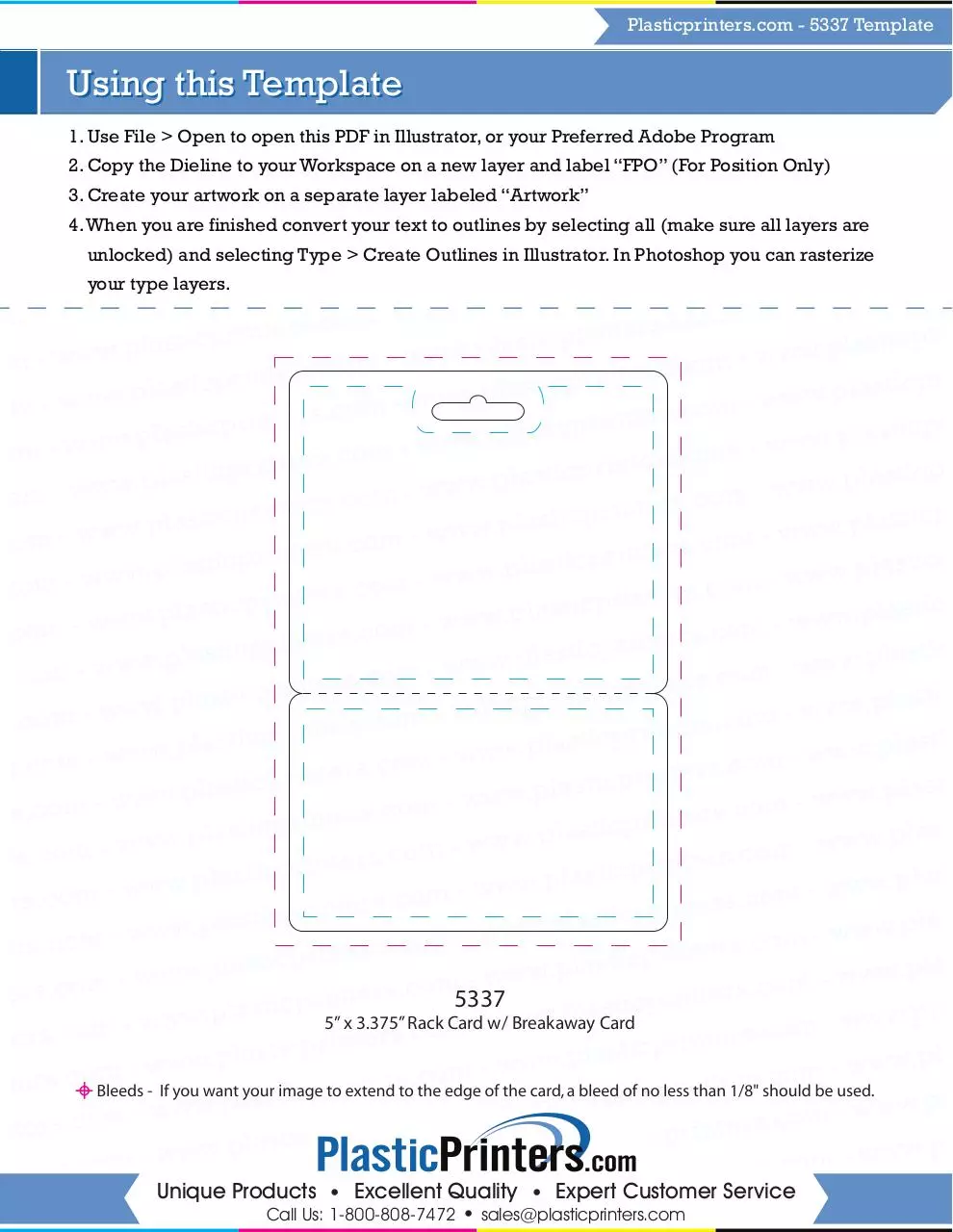
5337ArtworkTemplate.pdf . PDF . 1.81 MB . 1 page
This address never changes. It is the one to keep, to send, or to cite.
Shorter, for a text message or a post with a character limit.
To link to this document from a website or a blog.