Much more than
plain storage.
Everything you need to keep, find, secure and share your documents, on servers in France.
- features.count09 areas
- features.hostingFrance 100%
- features.formatPDF/A · ISO 19005
- features.includedall tiers unless marked Pro
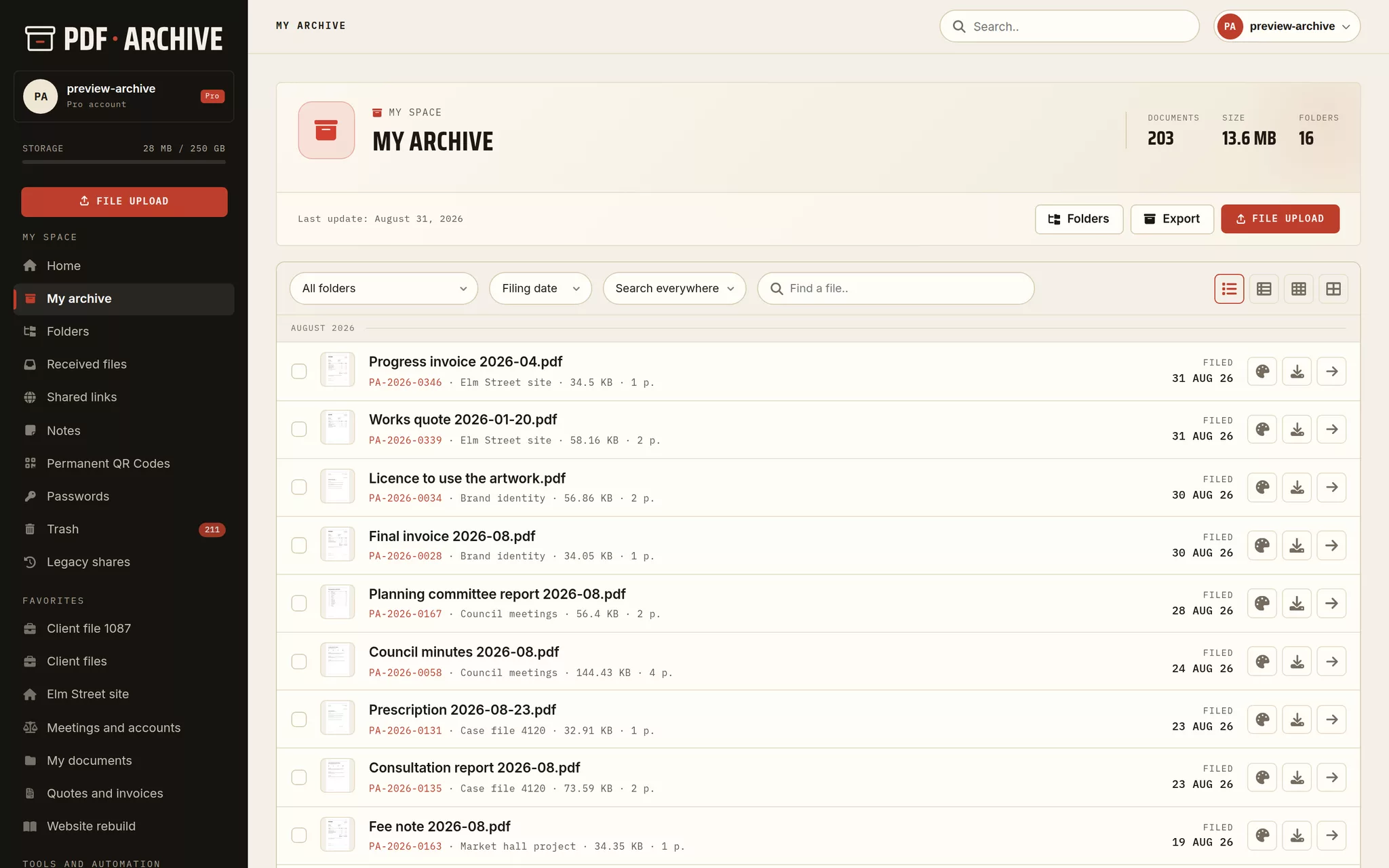
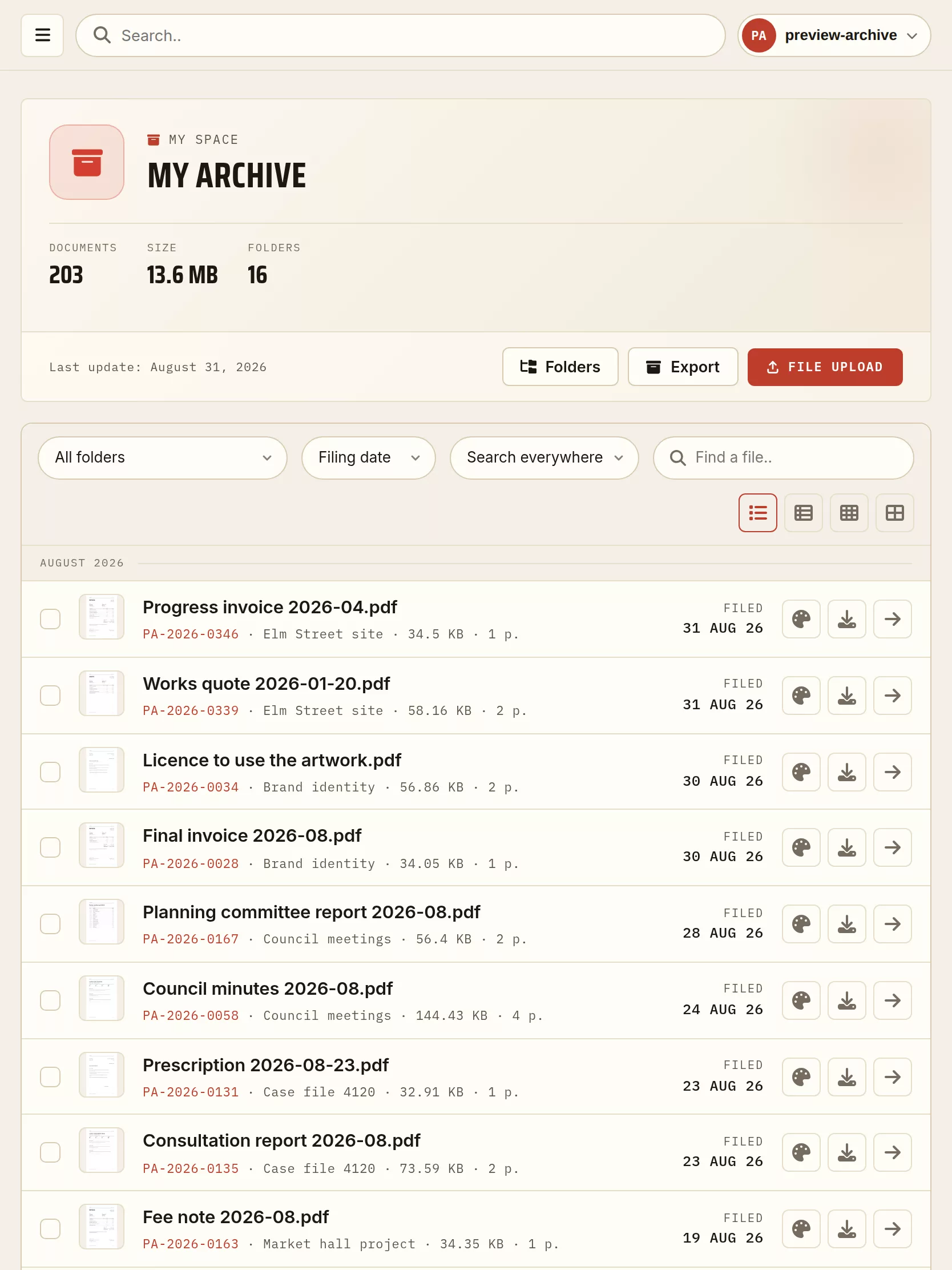
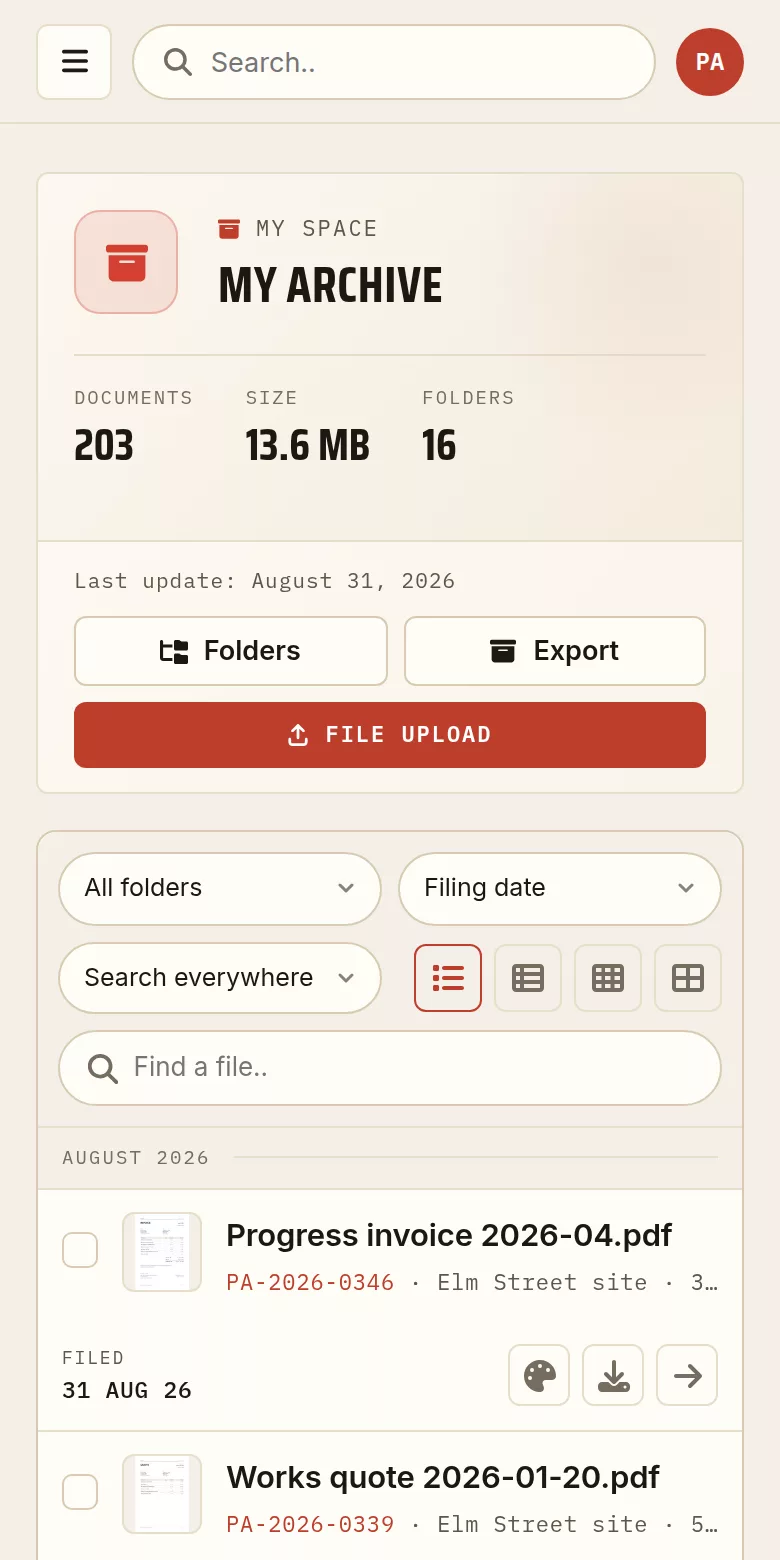
The same archive, on every screen
The account area on a demonstration account, on a desktop, a tablet and a phone. The documents are made up for the example; the screens themselves are the real ones.
Kept, dated and easy to find again
Every file is uploaded, dated and referenced. No automatic deletion by default: you keep your documents for as long as you want.
- 01A date and a unique reference
- 02A trash with recovery within 30 days
- 03A SHA-512 fingerprint per file
- 04Integrity check on demand
- 05Kept for as long as you want
File it, search it, find it again
File by project, by year or by type. Search covers your files, folders, notes and messages, and reaches inside the content of your PDF files.
- 01Folders, favourites and tags
- 02Full text search inside your PDF files
- 03A timeline view of your archive
- 04Folders shared between accounts
- 05Scheduled automatic deletion
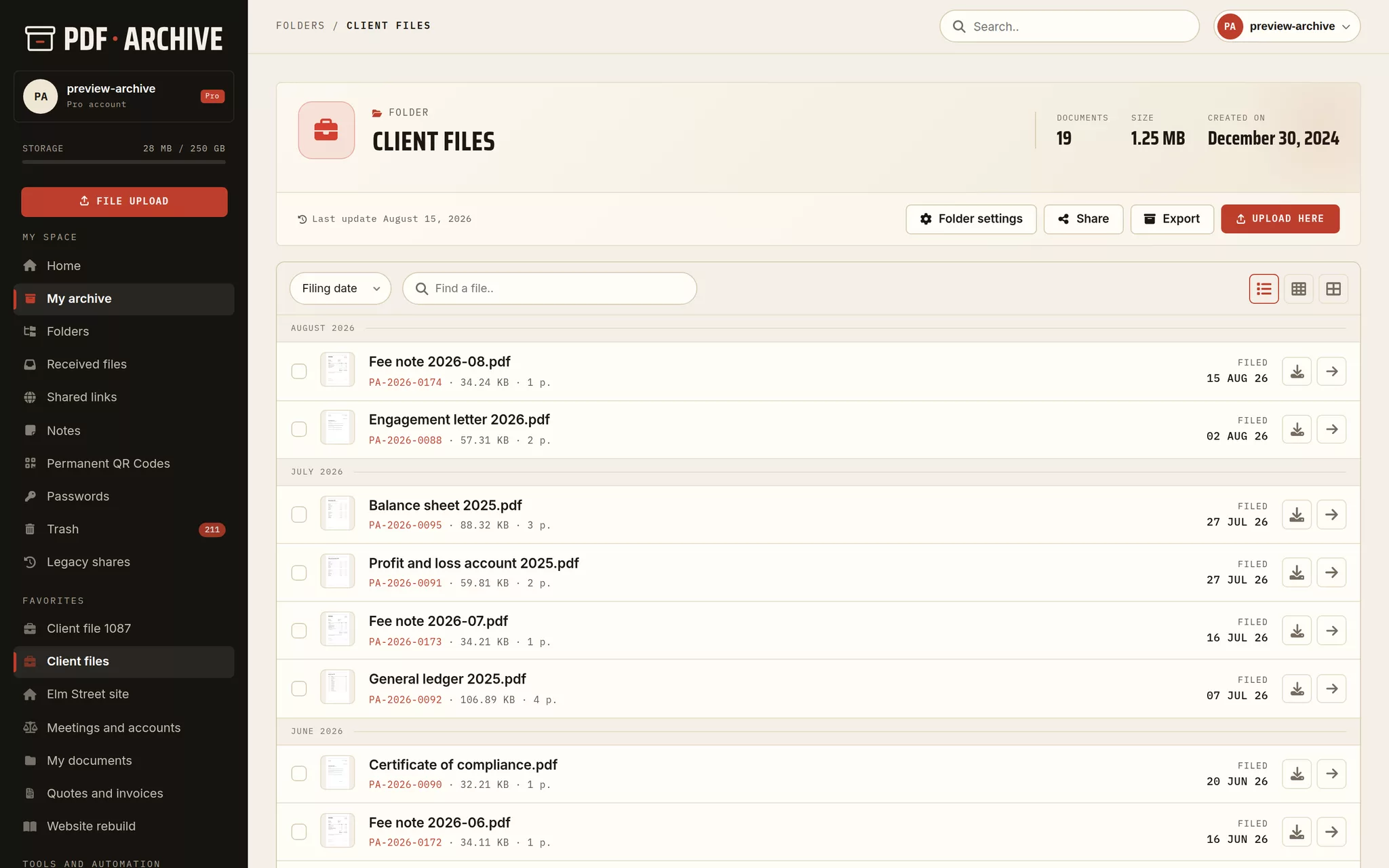
One financial year, in one place
Balance sheet, tax return, general ledger and fee notes: the documents of a single year, each carrying the date it was filed.
The public copy, frozen and dated
When you publish a document, a frozen and dated copy goes online. Your original stays private, and you keep control at any time.
- 01A frozen, dated public copy
- 02Password and expiry you set
- 03Permanent QR codes, revocable links
- 04A single use link, closing after the first download
- 05Anonymous view statistics
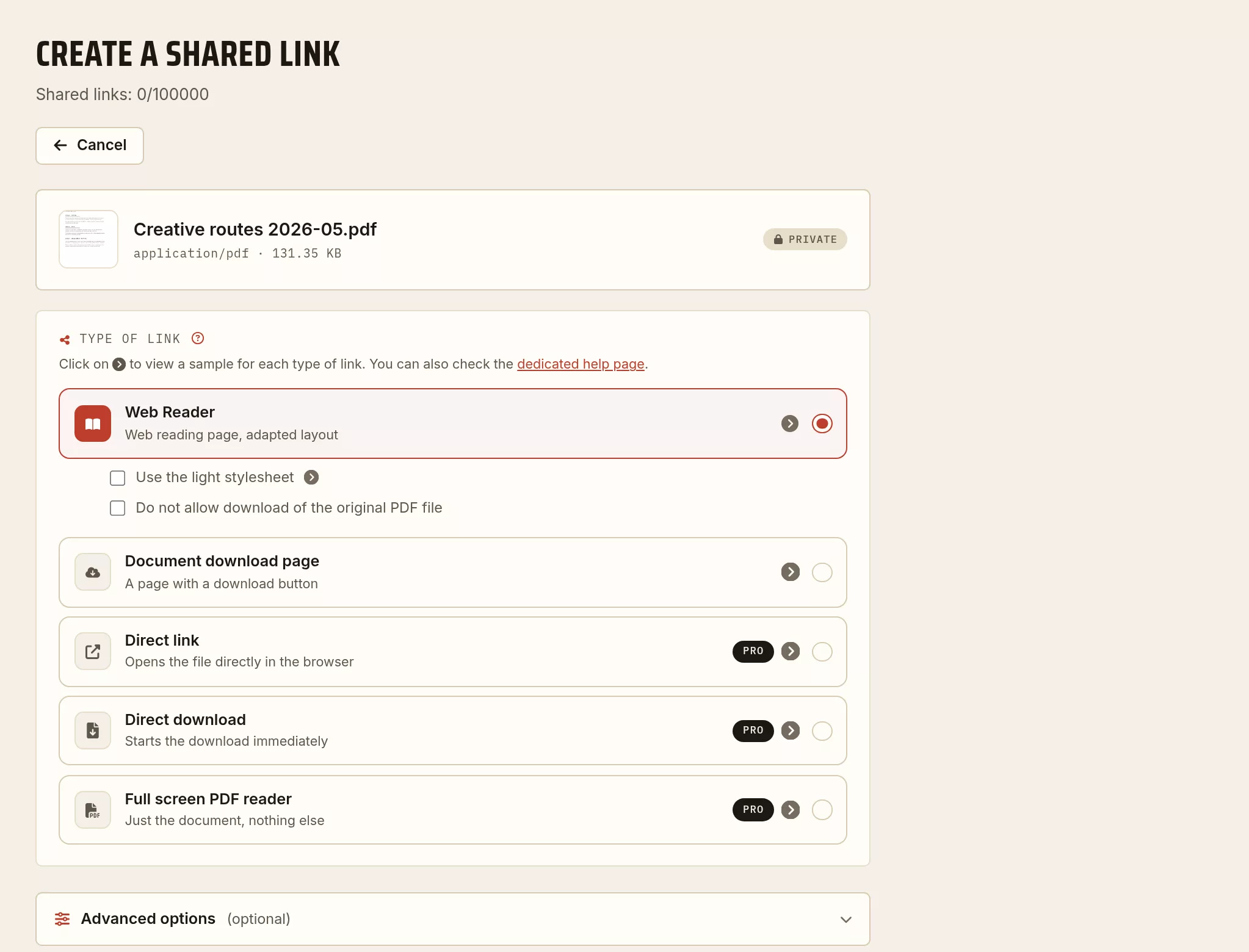
The link, and the shape you give it
A password, an expiry date if you want one, a permanent QR code. You decide share by share, and you can revoke it later.
Your documents, protected and sovereign
Encrypt your files on upload, protect your account, and keep control of your data, hosted in France.
- 01GPG encryption (AES-256 or Twofish)
- 02Two-factor authentication: PIN, TOTP, FIDO2
- 03Hosting in France, GDPR compliant
- 04Retention per folder and export in two clicks
- 05An activity log for the account
All your PDF tools, in one place
Convert, merge, split and optimize your PDF files, straight from your archive. Your files are processed in France.
- 01Convert, merge, split, compress
- 02Rotate, number, add a watermark
- 03OCR: your scanned PDF files become searchable
- 04Encrypt, remove the password, edit the metadata
- 05Processed in France
Sign and stamp your PDF files
Put your signature, your initials or your stamp on a PDF, exactly where you want it, by drag and drop. Save your signatures once and reuse them in one click. The signed document also gets its SHA-512 fingerprint.
- 01A signature, initials or a stamp imported as an image
- 02Free placement by drag and drop, on the page you want
- 03Your saved signatures, reusable in one click
- 04A dated text stamp as an alternative
- 05The SHA-512 fingerprint of the signed document
- 06A signed copy is created; the original stays intact
A format meant to last
PDF/A (the ISO 19005 standard) is the PDF profile made for long term archiving: fonts, colour profiles and metadata are built into the file, so that it displays identically for decades. Anything that could get in the way of a future reading (external content, scripts, encryption) is excluded from it. Two free tools, processed in France, are there for you: convert to PDF/A and check PDF/A compliance. The files are deleted after processing.
- 01Conversion to PDF/A-1b, 2b (recommended) or 3b
- 02Level 3b allows attachments (Factur-X for instance)
- 03Validation with veraPDF, the reference validator
- 04Useful for archiving with evidential weight and for public tenders
- 05PDF/A is a tool you choose, not an automatic transformation of your files
Archive a web page as a PDF
Turn any web page into a faithful, dated PDF in one click. Scheduled capture (every day, week or month) and a version history are available.
- 01Capture of a web page as a PDF
- 02A4 or A3, portrait or landscape
- 03Cookie banner handling
- 04Scheduled and dated capture
- 05A dated history of the versions
Your archive inside your tools
Connect a folder to Claude Code and to MCP capable assistants: they search, read and add files, with an access you control.
- 01MCP compatible (Claude Code and others)
- 02Search, read and add files
- 03A token limited by folder and by permission, revocable at any time
- 04Included on a paid tier
Start with the free tier
A free account, 1 GB of archiving, no card. Upgrade to the Pro account the day you need permanent links and every format.