What comes in,
what goes out.
Test results arrive filed instead of landing in a mailbox, and reports go back out through a link. The history of a case reads in order, over years. On servers in France.
- case.incomingfiled on arrival
- case.outgoingthrough a link
- case.historyin order, dated
- case.hostingFrance 100%
What comes in, and what goes back out
Test results arrive filed
Laboratories, colleagues and owners upload through a single link, without holding an account. Documents land straight in the folder.
Reports go back out
Prescription, report, certificate: you pass them on through a link, with a password where the document deserves one.
The history reads over years
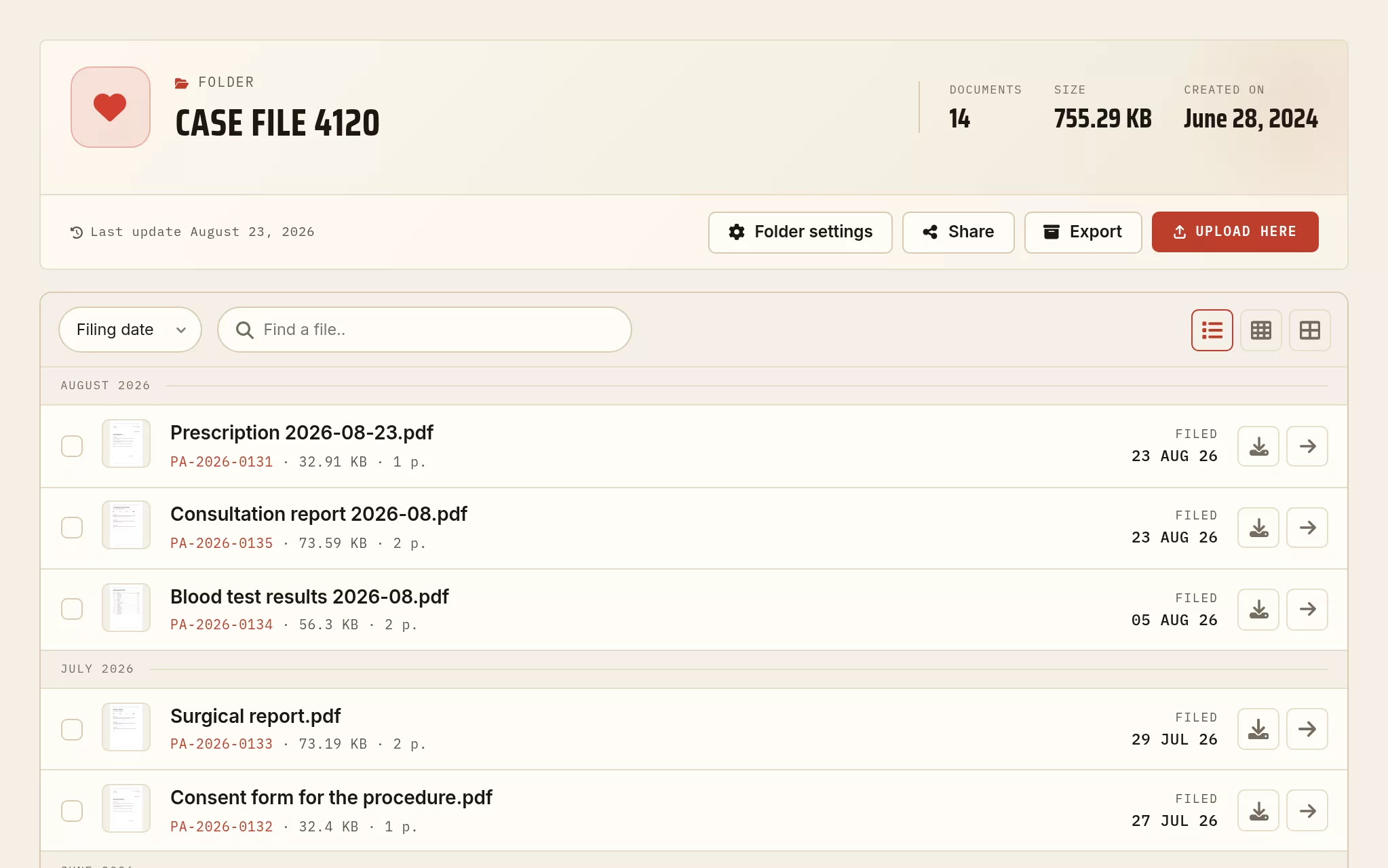
Consultations, tests, procedures: the history stays in order, with the upload date of every document.
Found in seconds
Search covers the name, the content and the keywords. A test result is found without reopening ten folders.
Readable in the room
The folder reads on a phone or a tablet during the consultation, without pulling anything down.
Hosted in France
Servers in France, GDPR compliant: your clients’ documents do not leave the EU.
One animal, its whole history
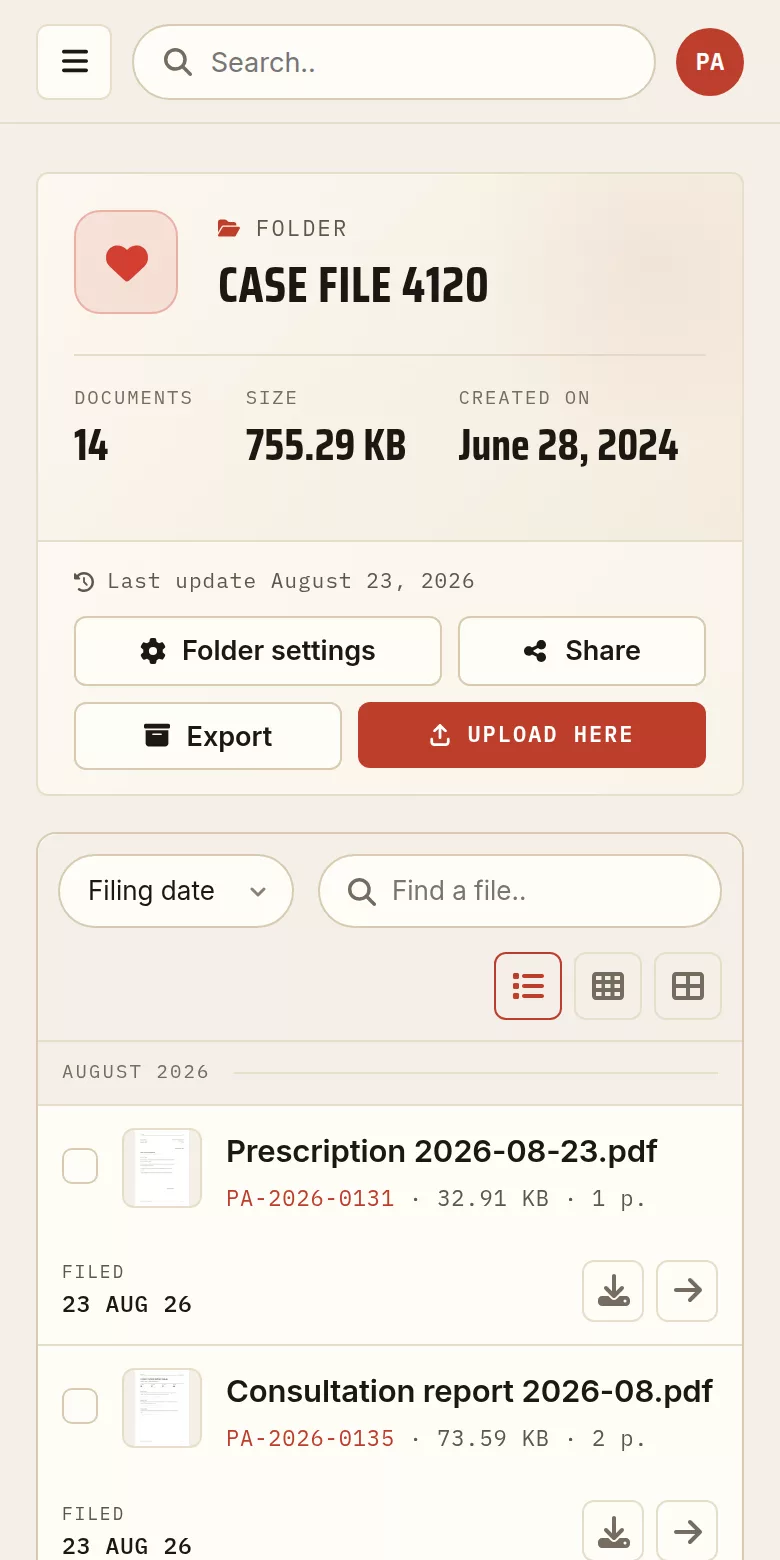
A folder from the demonstration archive, captured exactly as it stands in the account area. The documents are made up for the example; the screen is the real one.
A link that expires on its own
Results, an animal health certificate, a discharge report: the owner gets a link rather than an attachment, and the link does not stay open for ever.
An end date
You set the day the link stops working. Nothing to clean up afterwards.
A password when it matters
For anything an owner alone should read, the link is not enough on its own.
Revocable at any time
A link sent to the wrong address is closed in one gesture, which an attachment never is.
The documents do not stay with you
“The results are in an email.”
A result arrives as an attachment, gets read once and is lost in the mailbox. With a drop link it arrives straight in the folder for that case.
“Let me send you the report again.”
Sending the same attachment again on every request costs time. A link is given again, and you know how many times it was opened.
“When was the last time?”
The history reads in order, with the upload date of every document, without rebuilding a timeline from memory.
Three steps
One folder per case
Consultations, test results, procedures and certificates in one place.
Open a drop link
Laboratories and owners upload, and you have nothing to sort.
Pass it on through a link
The report goes out with no attachment, and you close the link whenever you want.
The history of an animal, in a single file
Make a scanned report searchable, bring the documents of a case together, or bring a folder down in size before sending it to a colleague.