Bells&Whistles on QRZ (PDF)
File information
Title: Bells & Whistles on QRZ
Author: Vlad Lambrianov UA6JD
This PDF 1.4 document has been generated by Microsoft Word - coveQRZr.docx / PDF-XChange Viewer [Version: 2.0 (Build 48.0) (Mar 2 2010; 21:29:03)], and has been sent on pdf-archive.com on 02/02/2017 at 16:18, from IP address 50.135.x.x.
The current document download page has been viewed 5505 times.
File size: 10.8 MB (149 pages).
Privacy: public file

File preview
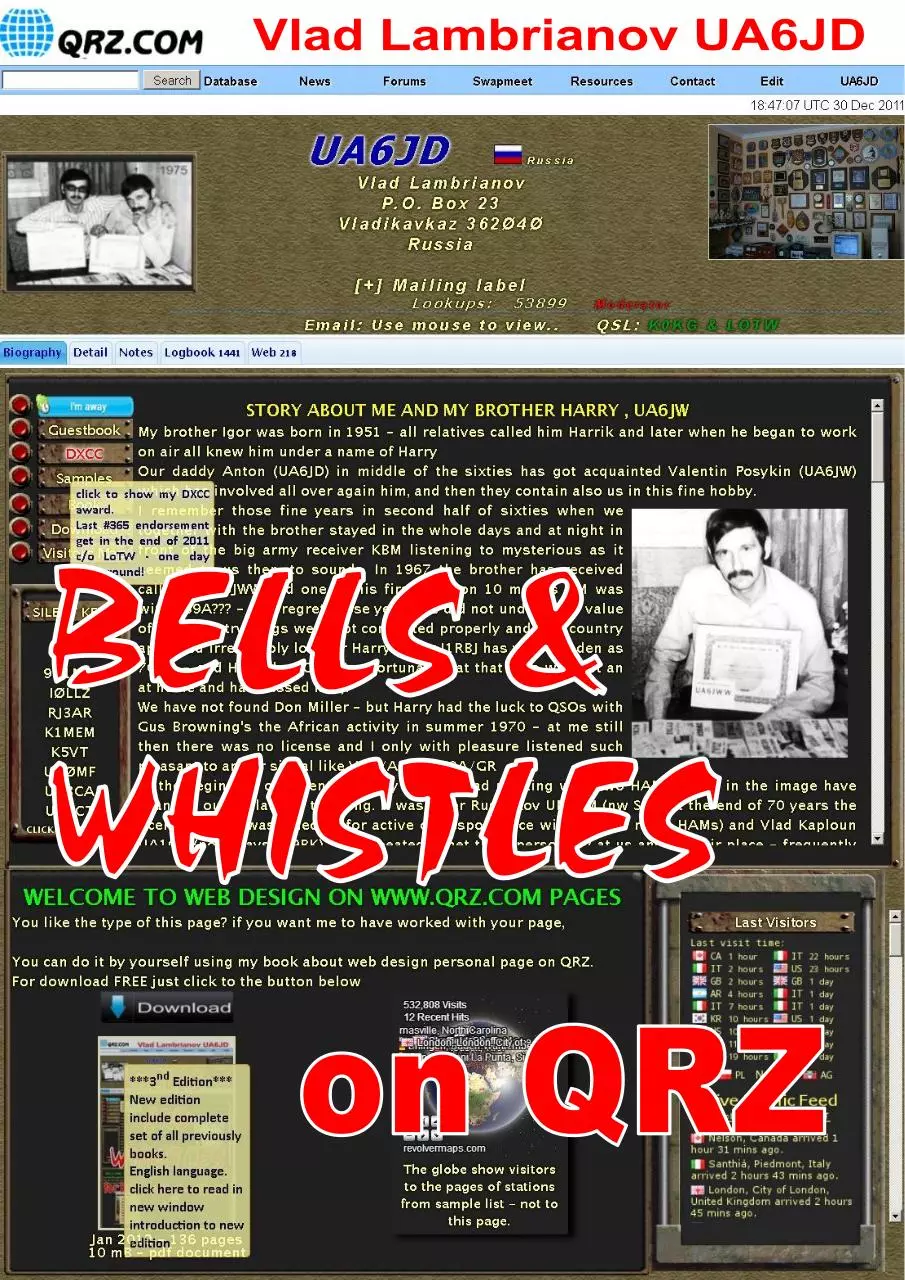
This book is devoted to the memory
of my brother Harry UA6JW
PRACTICAL GUIDE FOR WEB DESIGN ON WWW.QRZ.COM
3
nd
edition
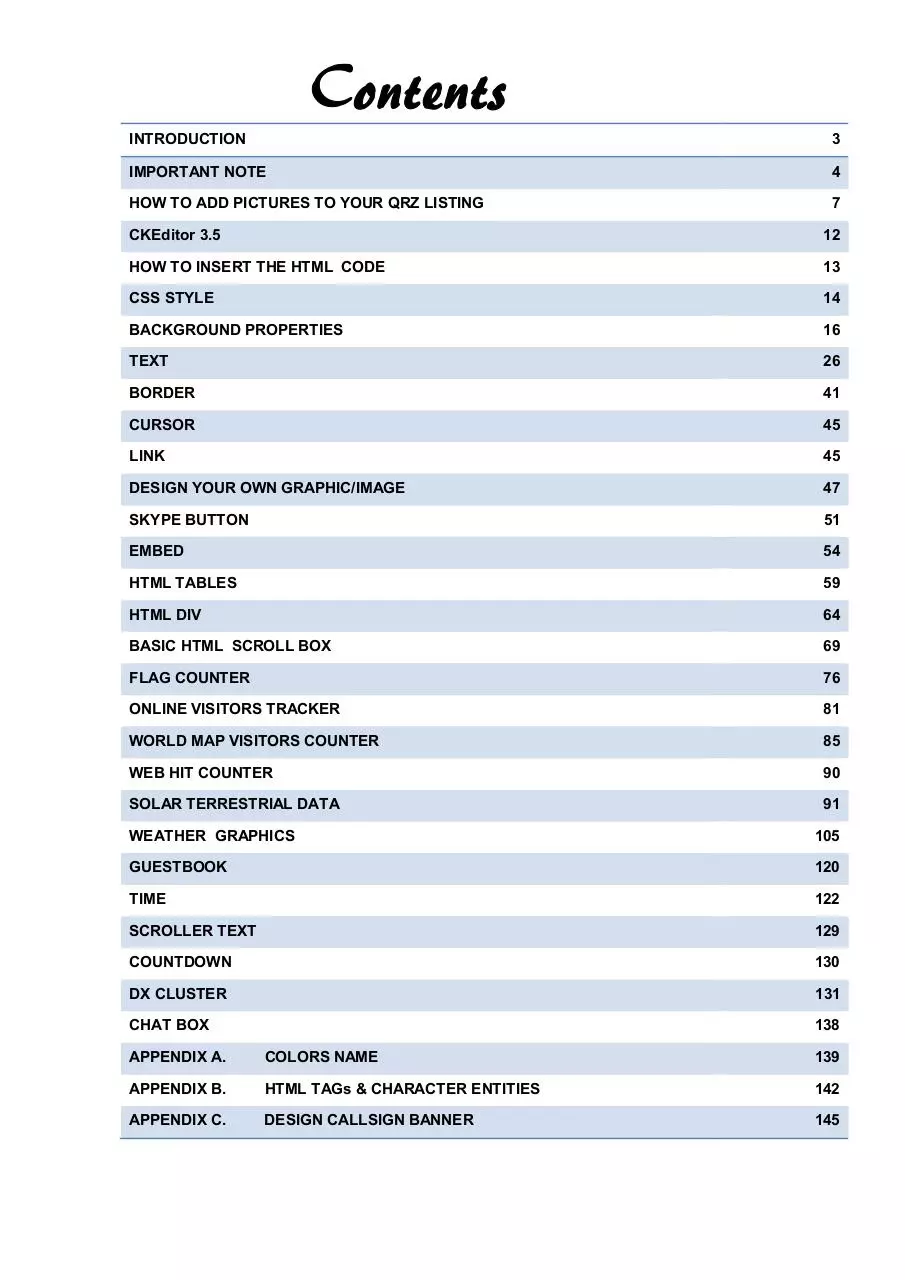
INTRODUCTION
3
IMPORTANT NOTE
4
HOW TO ADD PICTURES TO YOUR QRZ LISTING
7
CKEditor 3.5
12
HOW TO INSERT THE HTML CODE
13
CSS STYLE
14
BACKGROUND PROPERTIES
16
TEXT
26
BORDER
41
CURSOR
45
LINK
45
DESIGN YOUR OWN GRAPHIC/IMAGE
47
SKYPE BUTTON
51
EMBED
54
HTML TABLES
59
HTML DIV
64
BASIC HTML SCROLL BOX
69
FLAG COUNTER
76
ONLINE VISITORS TRACKER
81
WORLD MAP VISITORS COUNTER
85
WEB HIT COUNTER
90
SOLAR TERRESTRIAL DATA
91
WEATHER GRAPHICS
105
GUESTBOOK
120
TIME
122
SCROLLER TEXT
129
COUNTDOWN
130
DX CLUSTER
131
CHAT BOX
138
APPENDIX A.
COLORS NAME
139
APPENDIX B.
HTML TAGs & CHARACTER ENTITIES
142
APPENDIX C.
DESIGN CALLSIGN BANNER
145
Feel like a broke-down engine, mama,
ain’t got no whistles or bells.
— Blind Willie McTell, "Broke Down Engine Blues No. 2", NYC, 1933
At the beginning of industrial era of a train, automobiles and other
mechanical carriages should be equipped with a bell and whistles to scare away horses and passerby. These elements were
completely superfluous, but were required under the law. From here
also there was an English phrase “with Bells and Whistles” refers
to non-essential features, visual or functional, that are an
enhancement to the object.
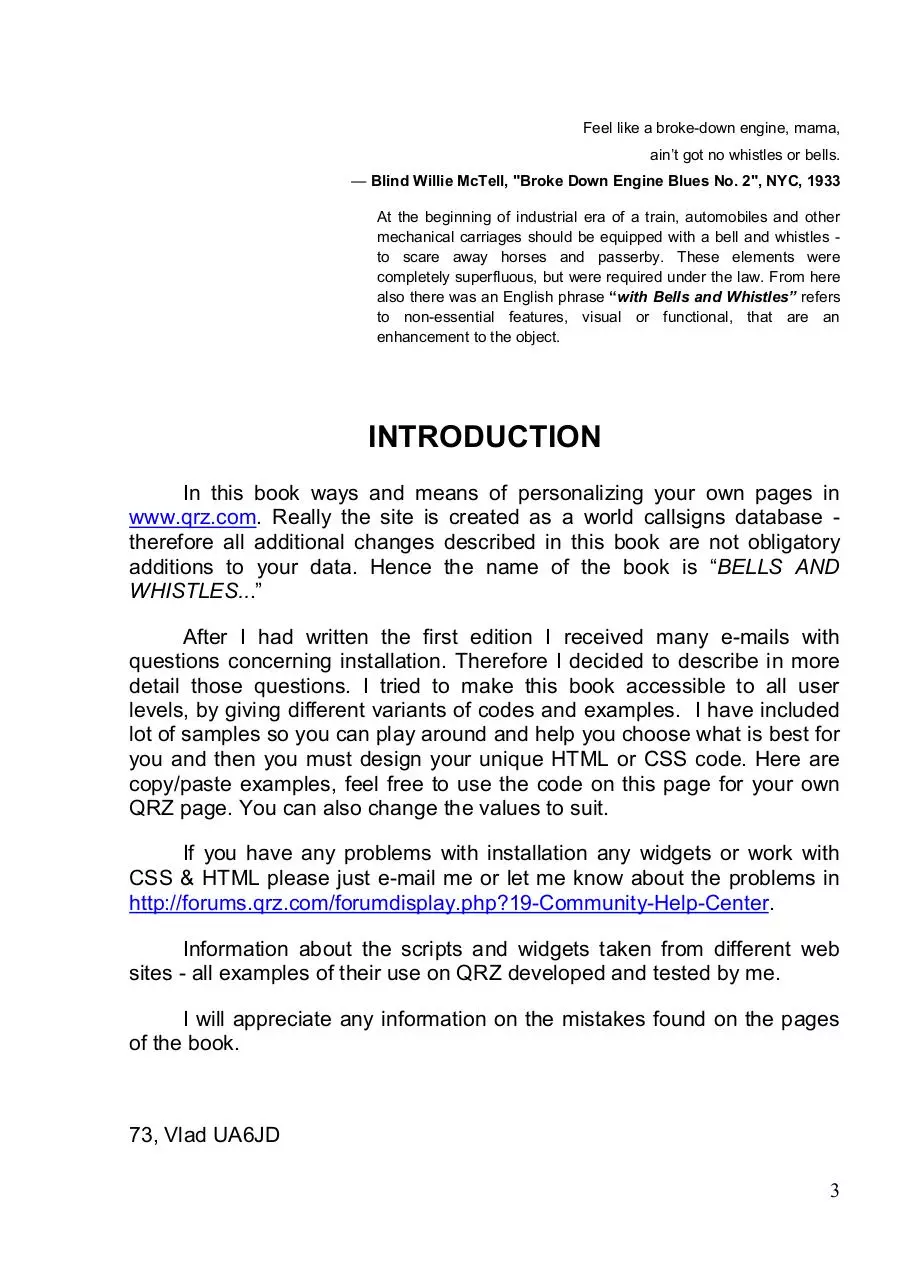
INTRODUCTION
In this book ways and means of personalizing your own pages in
www.qrz.com. Really the site is created as a world callsigns database therefore all additional changes described in this book are not obligatory
additions to your data. Hence the name of the book is “BELLS AND
WHISTLES...”
After I had written the first edition I received many e-mails with
questions concerning installation. Therefore I decided to describe in more
detail those questions. I tried to make this book accessible to all user
levels, by giving different variants of codes and examples. I have included
lot of samples so you can play around and help you choose what is best for
you and then you must design your unique HTML or CSS code. Here are
copy/paste examples, feel free to use the code on this page for your own
QRZ page. You can also change the values to suit.
If you have any problems with installation any widgets or work with
CSS & HTML please just e-mail me or let me know about the problems in
http://forums.qrz.com/forumdisplay.php?19-Community-Help-Center.
Information about the scripts and widgets taken from different web
sites - all examples of their use on QRZ developed and tested by me.
I will appreciate any information on the mistakes found on the pages
of the book.
73, Vlad UA6JD
3
IMPORTANT NOTE
Your page may look different if you use a different browser to view
and monitor of various types.
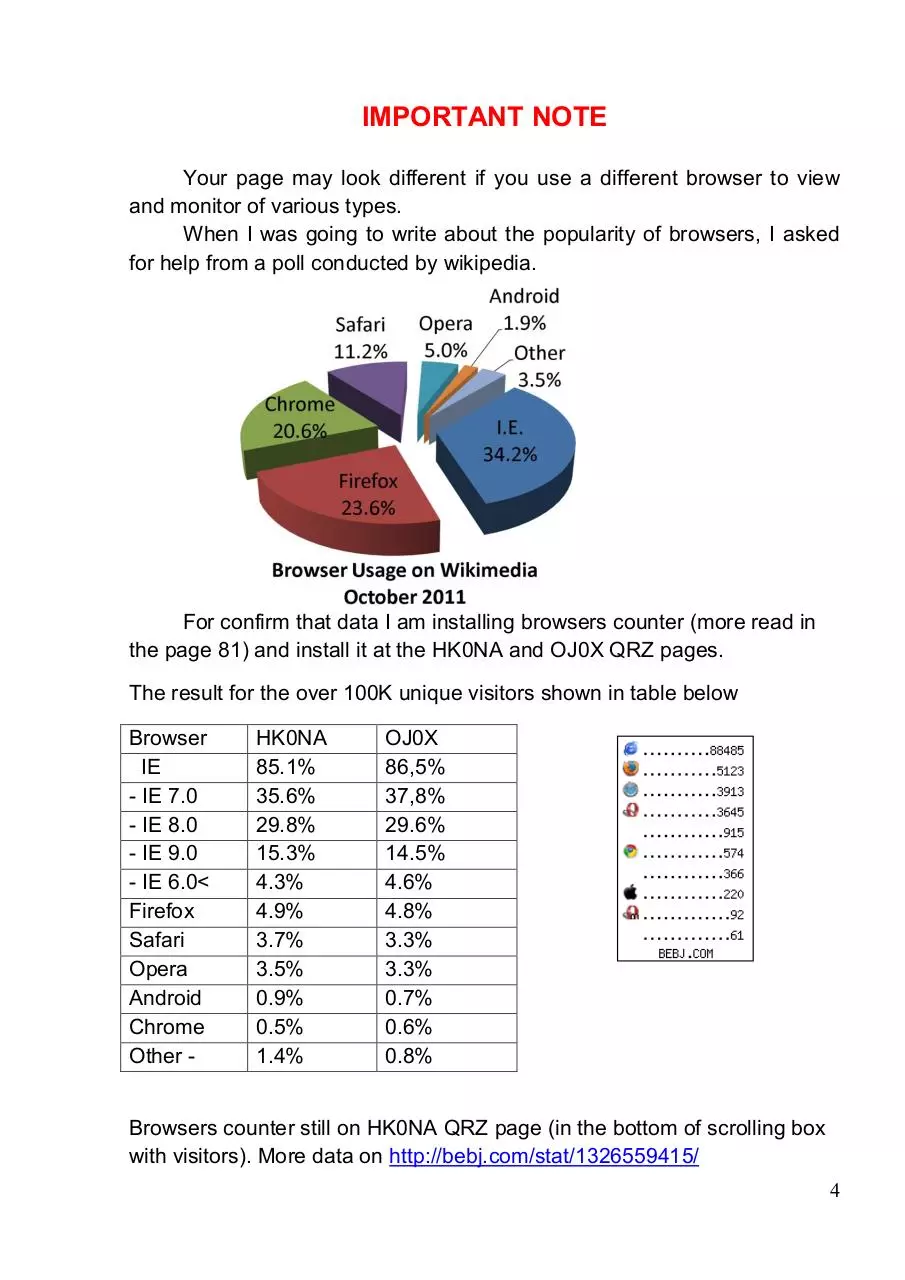
When I was going to write about the popularity of browsers, I asked
for help from a poll conducted by wikipedia.
For confirm that data I am installing browsers counter (more read in
the page 81) and install it at the HK0NA and OJ0X QRZ pages.
The result for the over 100K unique visitors shown in table below
Browser
IE
- IE 7.0
- IE 8.0
- IE 9.0
- IE 6.0<
Firefox
Safari
Opera
Android
Chrome
Other -
HK0NA
85.1%
35.6%
29.8%
15.3%
4.3%
4.9%
3.7%
3.5%
0.9%
0.5%
1.4%
OJ0X
86,5%
37,8%
29.6%
14.5%
4.6%
4.8%
3.3%
3.3%
0.7%
0.6%
0.8%
Browsers counter still on HK0NA QRZ page (in the bottom of scrolling box
with visitors). More data on http://bebj.com/stat/1326559415/
4
Internet Explorer, one of the most widely used web browsers on QRZ,
but there are many more bugs, issues, and inconsistencies that can arise in
Internet Explorer, but these are probably the most common and most
important ones to keep in mind when trying to create a cross-browser
experience.
If you’re going to start with IE in your development, or at the very
least check your layout in IE early on, then you should understand what
things Internet Explorer (usually versions 6 & 7) has problems with, or what
its limitations are.
For example, text-shadow property is not support in IE7 version, so
about 35 percent of users will not see shadows in your design. The
<marquee> tag does not appear to work in the release versions of IE 8, etc.
More about reference off all the new CSS3 properties and their
browser support check in
http://www.w3schools.com/cssref/css3_browsersupport.asp
Very often I have seen that after my design, page’s owner modify the
size of tables, images and so on. Perhaps that makes them more suitable
for viewing on his monitor. Bind to the size of the main elements of a fixed
width is a wrong step, not taking into account that about 20% of users are
still using 1024pix monitor. So far all the blogs and social networks use a
1024pix width of the base layer. A few months ago at QRZ also tried to
introduce such system, but because of the sheer number of protesters
posts on the forum all returned to the old standard.
Another QRZ feature - subscribers have the option to turn off viewing
the ad block on QRZ page and there pages not had ads placed in the left
column and their QRZ page is wider than 120 pix.
Why I pay attention to such statistics?
Be sure to check your page using different browsers and types of
monitors. If you have no such possibility - ask your friends that they did it.
One last recommendation - always makes a backup of your CSS /
HTML code and keeps it as a text file. This will allow you to easily return to
a working version of your page.
5
You can always ask for help - click on the marked line below on the
top bar of your page and describe your problem; the QRZ Staff always will
come to your aid.
Click here and
QRZ staff will
help you
If you use HTML/CSS from other QRZ page do not forget about
copyright and please get permission to use the code page from the owner!
Never use counters from another pages – generate your own HTML code.
QRZ does not allow invisible text that is made by using CSS to make
the text the same or close to the background color. Whatever text colors
and/or size/font is chosen, the text must remain clearly legible.
In the personal QRZ pages are prohibited using the device
automatically playing different sounds when a viewer visits your page.
There should be a switch to play a sound - otherwise the device will be
deleted from your QRZ page.
JAVASCRIPT
Additionally, no javascript or <script> tags may be embedded in your
content.
6
HOW TO ADD PICTURES TO YOUR QRZ LISTING
A Step-by-Step Guide
Uploading your Pictures
To begin, make sure you're logged in, then, pull up your callsign and
hovered on the Edit button , choose & click Edit <yourcallsign>
Next, Choose Add or edit your pictures, and QSL images
7
Then, upload all the images that you want to appear in your listing.
Placing the Uploaded Pictures
After you've uploaded your images, go back to the main Edit Record
menu and choose Add or edit your biography text...
8
Download Bells&Whistles on QRZ
Bells&Whistles_on_QRZ.pdf (PDF, 10.8 MB)
Download PDF
Share this file on social networks
Link to this page
Permanent link
Use the permanent link to the download page to share your document on Facebook, Twitter, LinkedIn, or directly with a contact by e-Mail, Messenger, Whatsapp, Line..
Short link
Use the short link to share your document on Twitter or by text message (SMS)
HTML Code
Copy the following HTML code to share your document on a Website or Blog
QR Code to this page

This file has been shared publicly by a user of PDF Archive.
Document ID: 0000548247.