Designing
My
War
Poster
By
Daniel
Carmichael
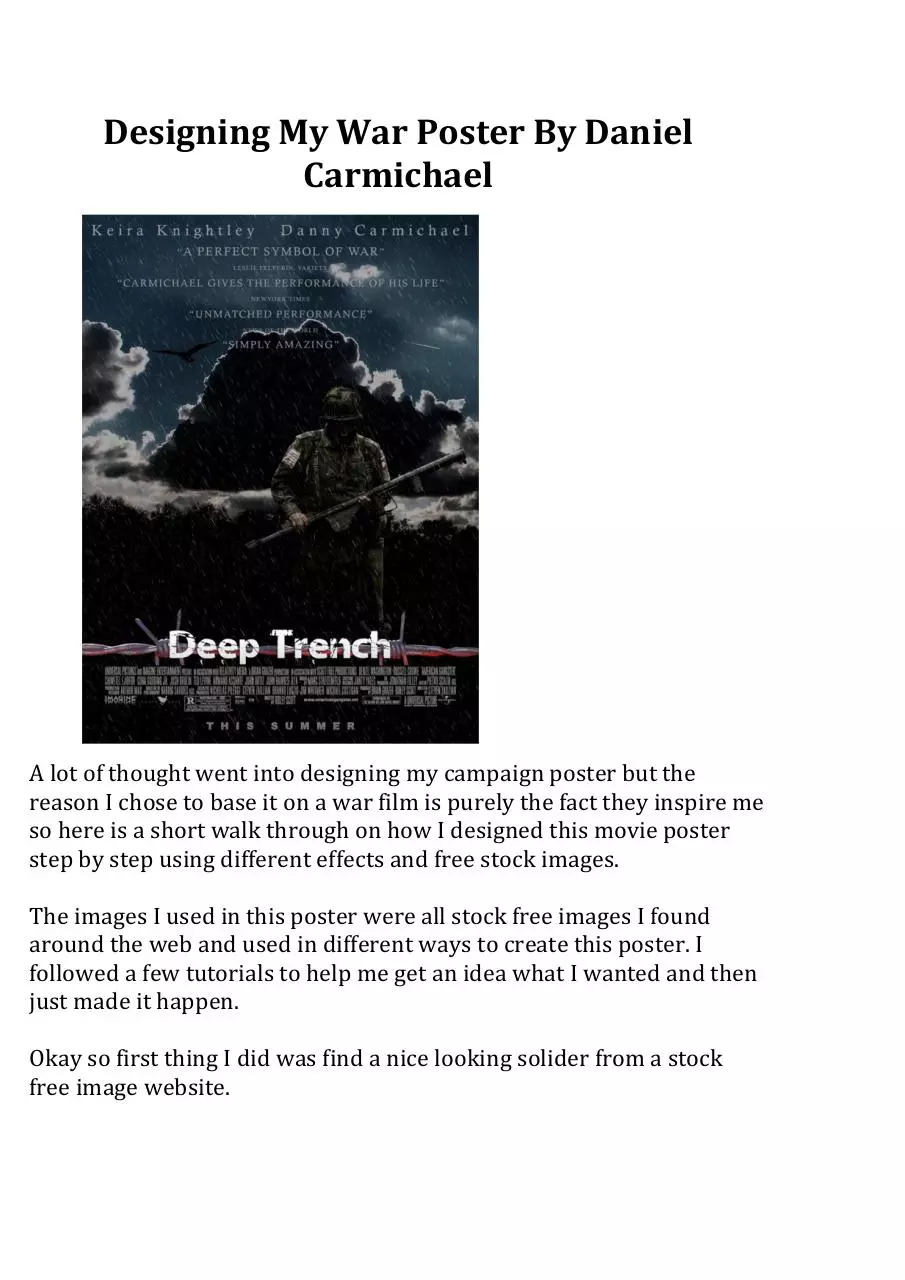
A
lot
of
thought
went
into
designing
my
campaign
poster
but
the
reason
I
chose
to
base
it
on
a
war
film
is
purely
the
fact
they
inspire
me
so
here
is
a
short
walk
through
on
how
I
designed
this
movie
poster
step
by
step
using
different
effects
and
free
stock
images.
The
images
I
used
in
this
poster
were
all
stock
free
images
I
found
around
the
web
and
used
in
different
ways
to
create
this
poster.
I
followed
a
few
tutorials
to
help
me
get
an
idea
what
I
wanted
and
then
just
made
it
happen.
Okay
so
first
thing
I
did
was
find
a
nice
looking
solider
from
a
stock
free
image
website.
�
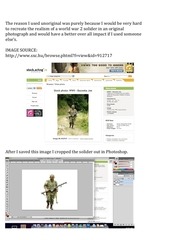
The
reason
I
used
unoriginal
was
purely
because
I
would
be
very
hard
to
recreate
the
realism
of
a
world
war
2
solider
in
an
original
photograph
and
would
have
a
better
over
all
impact
if
I
used
someone
else’s.
IMAGE
SOURCE:
http://www.sxc.hu/browse.phtml?f=view&id=912717
After
I
saved
this
image
I
cropped
the
solider
out
in
Photoshop.
�
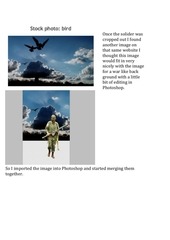
Once
the
solider
was
cropped
out
I
found
another
image
on
that
same
website
I
thought
this
image
would
fit
in
very
nicely
with
the
image
for
a
war
like
back
ground
with
a
little
bit
of
editing
in
Photoshop.
So
I
imported
the
image
into
Photoshop
and
started
merging
them
together.
�
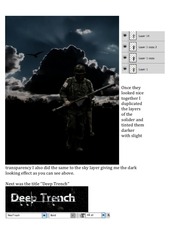
Once
they
looked
nice
together
I
duplicated
the
layers
of
the
solider
and
tinted
them
darker
with
slight
transparency
I
also
did
the
same
to
the
sky
layer
giving
me
the
dark
looking
effect
as
you
can
see
above.
Next
was
the
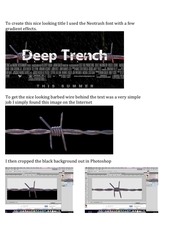
title
‘’Deep
Trench’’
�
To
create
this
nice
looking
title
I
used
the
Neotrash
font
with
a
few
gradient
effects.
To
get
the
nice
looking
barbed
wire
behind
the
text
was
a
very
simple
job
I
simply
found
this
image
on
the
Internet
I
then
cropped
the
black
background
out
in
Photoshop
�
After
this
was
done
I
dragged
it
behind
the
title
and
duplicated
the
layer.
I
they
changed
the
HUE/Saturation
and
give
it
a
red
tint
to
give
it
that
nice
effect
of
blood.
�
And
finally
using
filters
I
added
the
rain
in
the
background.
And
the
reviews
in
the
top
in
another
font.
Thank
you
for
reading
By
Daniel
Carmichael
�
 Historical archive . public document