Double Bottom at the top...
PCFs:
c > avgc200 above the 200 day moving average
(maxh60 - minL60) / (avgh60 - avgL60) * 100 Trend Consolidate 60 days
avgc30 / avgc30.30 60 Day Directional Move
After creating the pcfs, let's put them together in a new easyscan.
1. Select New, then Easy Scan.
2. Click on “Watchlist All Items in the System” and Select “common stocks.”
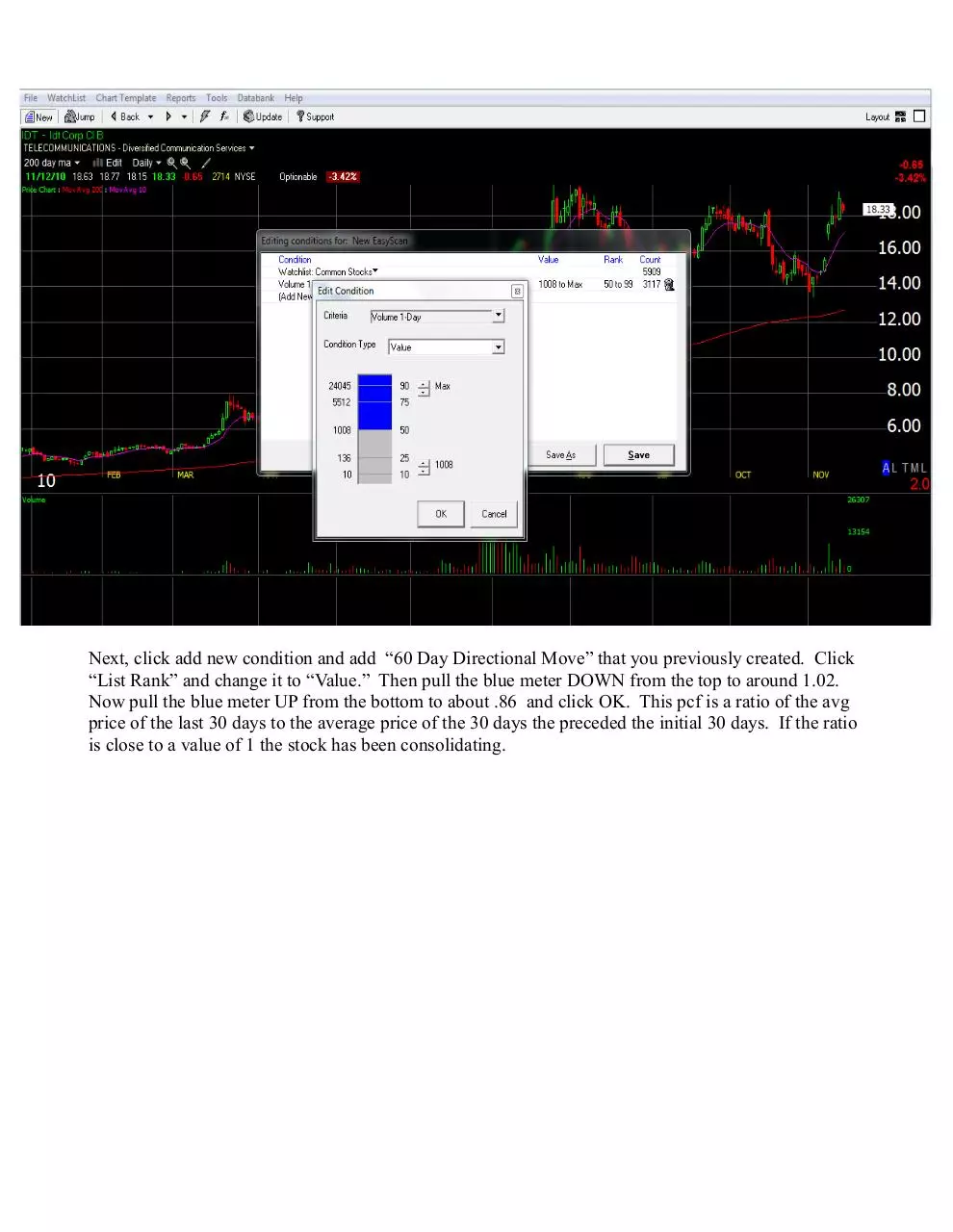
Next click on add new condition and add the c > avgc200 pcf.
Now click on add new condition and select “volume 1-day.” Click on “List Rank” and change it to
“Value.” Then move the blue meter up to your minimum volume criteria. In this case I used 100,000.
Remember that the number shown for volume on TC is in multiples of 100. So a numerical value of
1000 equals 100,000 (1000 * 100).
�
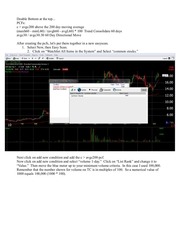
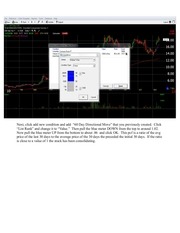
Next, click add new condition and add “60 Day Directional Move” that you previously created. Click
“List Rank” and change it to “Value.” Then pull the blue meter DOWN from the top to around 1.02.
Now pull the blue meter UP from the bottom to about .86 and click OK. This pcf is a ratio of the avg
price of the last 30 days to the average price of the 30 days the preceded the initial 30 days. If the ratio
is close to a value of 1 the stock has been consolidating.
�
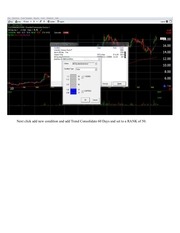
Next click add new condition and add Trend Consolidate 60 Days and set to a RANK of 50.
�
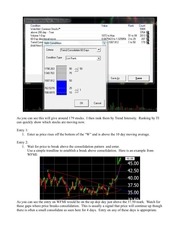
As you can see this will give around 179 stocks. I then rank them by Trend Intensity. Ranking by TI
can quickly show which stocks are moving now.
Entry 1:
1. Enter as price rises off the bottom of the “W” and is above the 10 day moving average.
Entry 2:
1. Wait for price to break above the consolidation pattern and enter.
Use a simple trendline to establish a break above consolidation. Here is an example from
WFMI:
As you can see the entry on WFMI would be on the up doji day just above the 37.50 mark. Watch for
these gaps where price breaks consolidation. This is usually a signal that price will continue up though
there is often a small consolidate as seen here for 4 days. Entry on any of these days is appropriate.
�
Exit: Exit any day that moves up in excess of 10% since often after large up days price will
consolidate. Profit can be booked and the stock marked for reentry at a lower price if there is a
pullback.
Exit 2. Exit when 1 full price bar breaches the 10 day moving average.
From studying stocks up 25% I believe that the best entry is to identify stocks that are beginning their
upswing and peak above the 10 day moving average. Many times there is a one day explosive move
when the consolidation is broken. Get in as the intensity is beginning to rise but hasn't quite broken the
consolidation. There are many traders waiting for the price to break consolidation too. Everyone
jumps in on the obvious break. Of course the risk is that price will not break consolidation. If it
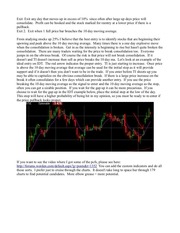
doesn't and TI doesn't increase then sell as price breaks the 10 day ma. Let's look at an example of the
ideal entry on IDT. The red arrow indicates the proper entry. TI is just starting to increase. Once price
is above the 10 day moving average that average can be used for the initial stop as it will provide
support and if it doesn't then you don't want to be in the trade. If you enter before TI shoots up you
may be able to capitalize on the obvious consolidation break. If there is a large price increase on the
break it often consolidates for a few days which can provide another entry. If you use the price
breaking the 10 day moving average as the signal to enter and the 10 day moving average as the stop,
often you can get a sizable position. If you wait for the gap up it can be more precarious. If you
choose to wait for the gap up in the IDT example below, place the initial stop at the low of the day.
This stop will have a higher probability of being hit in my opinion, so you must be ready to re-enter if
the price pullback looks proper.
If you want to see the video where I got some of the pcfs, please see here:
http://forums.worden.com/default.aspx?g=posts&t=1352 You can add the custom indicators and do all
those sorts. I prefer just to cruise through the charts. It doesn't take long to space bar through 179
charts to find potential candidates. More elbow grease = more potential.
�
 Historical archive . public document