Quick Start Guide for the Samsung Galaxy
Setup Guide for Non-Verizon Carrier SIM Cards:
This Samsung Galaxy is Verizon Unlocked and can be used with all GSM carriers.By default, it will only
accept a Verizon SIM card.
In order to get it to accept SIM cards from other carriers, please follow the followingsteps:
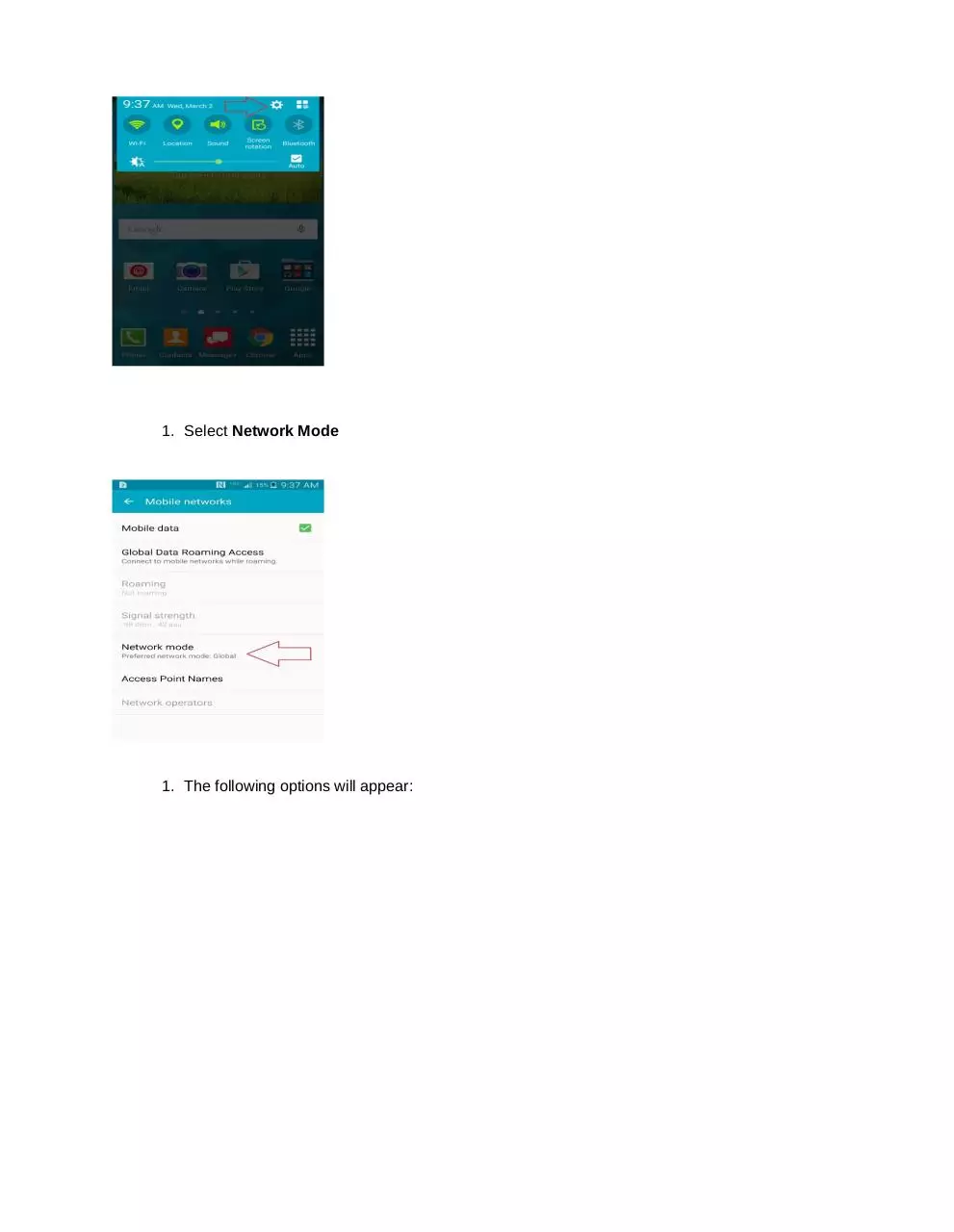
1. Open Settings
1. Select More Networks
�
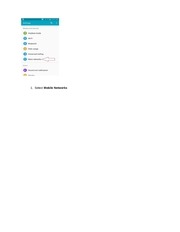
1. Select Mobile Networks
�
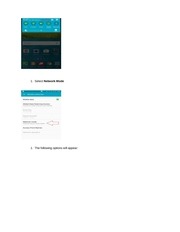
1. Select Network Mode
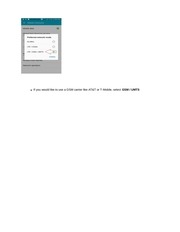
1. The following options will appear:
�
If you would like to use a GSM carrier like AT&T or T-Mobile, select GSM / UMTS
�
If you would like use it with a Verizon SIM card, select LTE/CDMA
Once you’ve made the selection the phone will accept SIM cards from the appropriate provider.
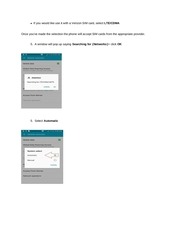
5. A window will pop up saying Searching for (Networks)> click OK
5. Select Automatic
�
�
Setup Guide for “Data” on Non-Verizon Carrier SIM Cards:
1. Open Settings >select More Networks
1. Select Mobile Networks
�
1. From Mobile Networks, select Access Point Names
�
1. Select theplus (+) symbol
1. This will get you to the Edit access point menu (you will need to select your corresponding
carrier information - the information is listed below per carrier):
�
 Historical archive . public document