PDF ArchiveHistorical archive . public document
2016 . March . 16

Converting a Lead

Converting a Lead.pdf

PDF 1.4 2 pages 343.58 KB Filed 16/03/2016
Download this PDF
Converting a Lead.pdf
Web reader . 2 pages
Page 1 of 2, Converting a Lead
1 / 2

File preview

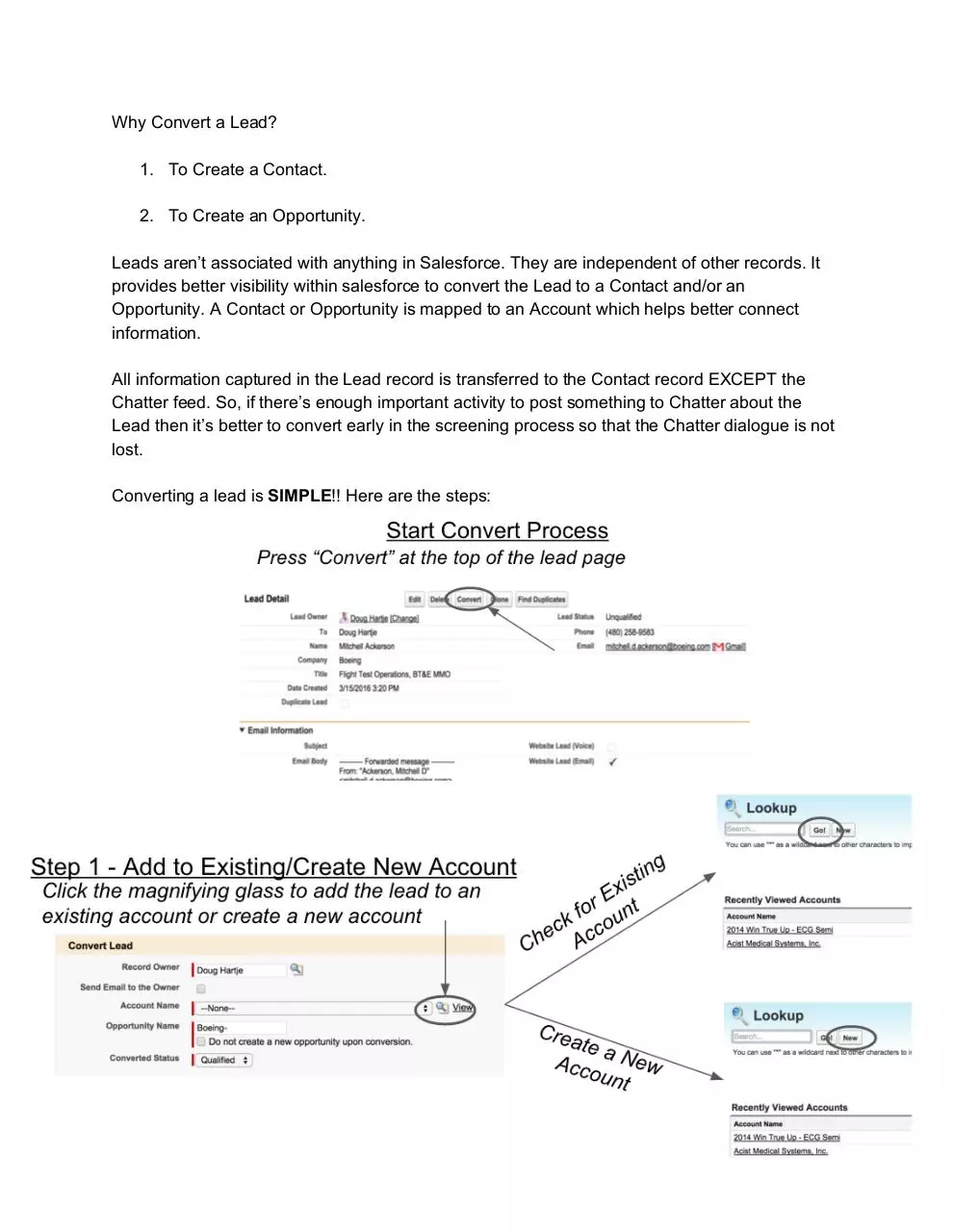
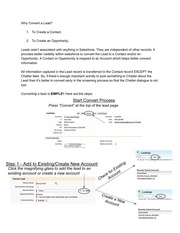
Why Convert a Lead?    1. To Create a Contact.     2. To Create an Opportunity.     Leads aren’t associated with anything in Salesforce. They are independent of other records. It  provides better visibility within salesforce to convert the Lead to a Contact and/or an  Opportunity. A Contact or Opportunity is mapped to an Account which helps better connect  information.    All information captured in the Lead record is transferred to the Contact record EXCEPT the  Chatter feed. So, if there’s enough important activity to post something to Chatter about the  Lead then it’s better to convert early in the screening process so that the Chatter dialogue is not  lost.    Converting a lead is  SIMPLE !! Here are the steps:       

Download Converting a Lead

Converting a Lead.pdf . PDF . 343.58 KB . 2 pages

Download PDF

File information

File name
Converting a Lead.pdf
Size
343.58 KB
Pages
2 pages
PDF version
1.4
Produced with
Mozilla/5.0 (Macintosh; Intel Mac OS X 10_10_3) AppleWebKit/537.36 (KHTML, like Gecko) Chrome/48.0.2564.116 Safari/537.36 / Skia/PDF
Filed on
16/03/2016
Page views
538
Document ID
converting-a-lead
MD5
ecb834f341b6f79b72fa39716012d250
SHA-512
5273712dc0e6174620d52418ea156f330cc9bccef975c54ff5690682663349f3072425274c7b3a6f36df0d4daefd691d6f4473c2cfcb29ccd44febe573d17378

Share this document

This address never changes. It is the one to keep, to send, or to cite.

Shorter, for a text message or a post with a character limit.

To link to this document from a website or a blog.