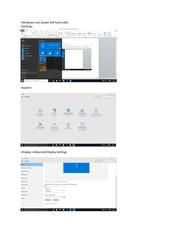
>Windows Icon (lower left hand side)
>Settings
>System
>Display >Advanced Display Settings
�
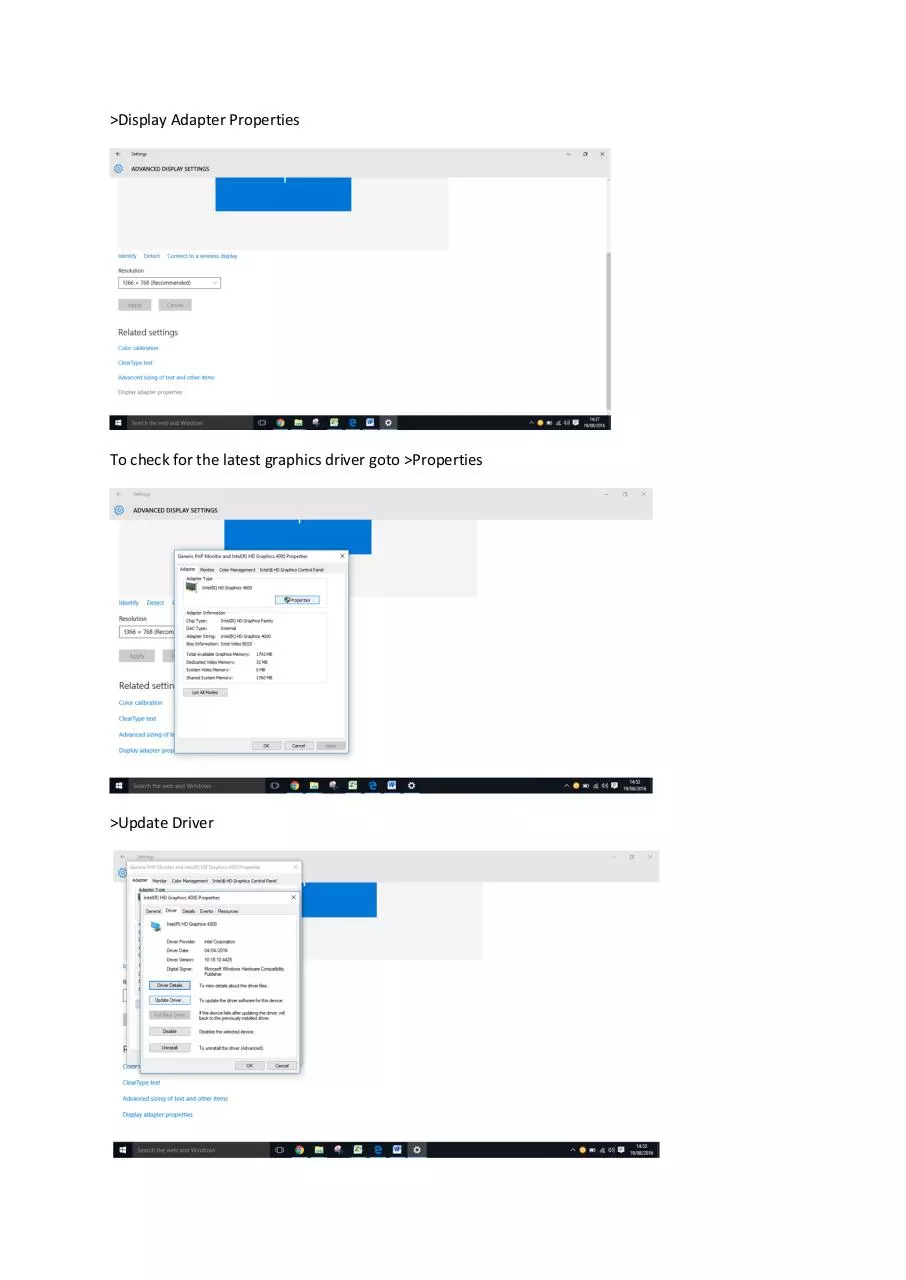
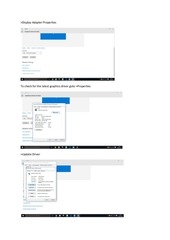
>Display Adapter Properties
To check for the latest graphics driver goto >Properties
>Update Driver
�
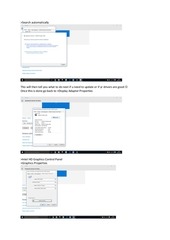
>Search automatically
This will then tell you what to do next if u need to update or if yr drivers are good
Once this is done go back to >Display Adapter Properties
>Intel HD Graphics Control Panel
>Graphics Properties
�
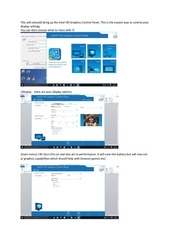
This will (should) bring up the Intel HD Graphics Control Panel. This is the easiest way to control your
display settings
You can then choose what to mess with
>Display. Here are your display options
[main menu] >3D (turn this on and also set to performance. It will cane the battery but will max out
yr graphics capabilities which should help with browser games etc)
�
 Historical archive . public document