S/W Testing Advanced level
Practical guide
Ivan Keliukh, Oleksandr Andrieiev
�
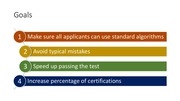
Goals
1 Make sure all applicants can use standard algorithms
2 Avoid typical mistakes
3 Speed up passing the test
4 Increase percentage of certifications
�
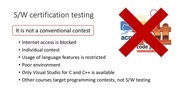
S/W certification testing
It is not a conventional contest
• Internet access is blocked
• Individual contest
• Usage of language features is restricted
• Poor environment
• Only Visual Studio for C and C++ is available
• Other courses target programming contests, not S/W testing
�
Preparation
Use ejudge
• Contains tasks from previous testing sessions
• Is accessible outside of SRK network
• Use timer to limit available time
Work in Visual Studio
• It is the only IDE available in SCS test system
• It is better to get used to shortcuts, window layout and code style
�
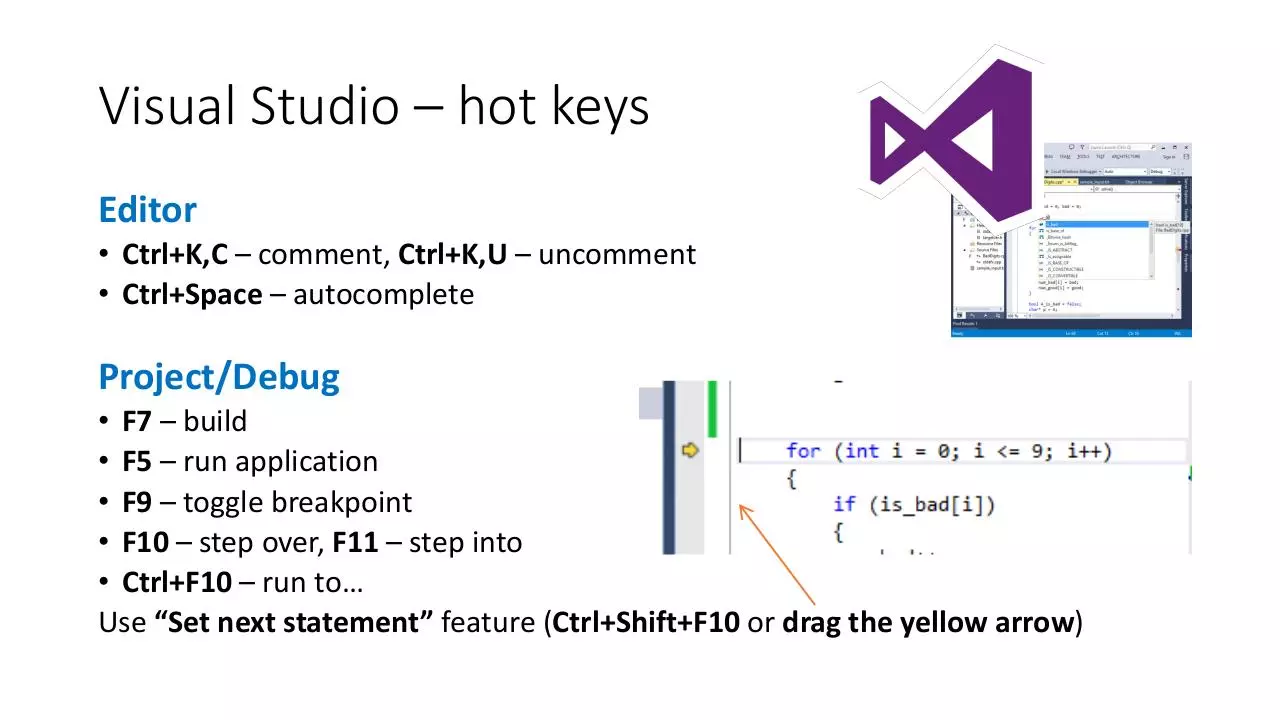
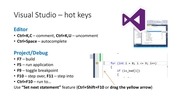
Visual Studio – hot keys
Editor
• Ctrl+K,C – comment, Ctrl+K,U – uncomment
• Ctrl+Space – autocomplete
Project/Debug
• F7 – build
• F5 – run application
• F9 – toggle breakpoint
• F10 – step over, F11 – step into
• Ctrl+F10 – u ①to…
Use “et ext state e t feature (Ctrl+Shift+F10 or drag the yellow arrow)
�
At the test
• Read the statement
• Read the description of input and output
• Now read the statement again, carefully
• Use pen and paper for self-check
• Try to manually solve sample_input.txt and compare your answers to correct ones: this
confirms your understanding of the statement
• Allows you to write and debug algorithm without writing a single line of code
• Fast and simple
• Prepare several test cases of your own and solve them manually
• Copy the initial code from SCS Test System to Visual Studio and run it. Chances
are there are technical issues with VS and you need to change a seat.
• In some cases you can implement a solution based on brute-force search to check
your understanding. It may even pass the test.
�
Production code
DON’T:
• Use copy-paste (best SW design pattern)
• Use short variable names everywhere
DO:
• Validate input
• Perform error handling
�
Code in S/W testing
DO:
• Use copy-paste (best SW design pattern)
• Use short variable names everywhere
DON’T:
• Validate input
• Perform error handling
Implementation speed
�
Code quality
Fo ①“W① e tifi atio ① ou①do ’t① eed:①
• Scalability – no one will change the scope of the task
• Maintainability – no one will use this code after the test
• Readability – no one will read your code
What you need:
• Fast and simple code
• Correct answer
Beautiful ① ode①takes①ti e,①ti e①that① ou①do ’t①ha e①– use① ui k①a d①di t ①
prototyping
�
 Historical archive . public document