Android: Nexus (IMAP)
This is a setup guide that will assist you in setting up your Hosted Mailbox on Google Nexus mobile
and tablet devices using IMAP.
1. Locate the "Settings" icon within your Apps Drawer.
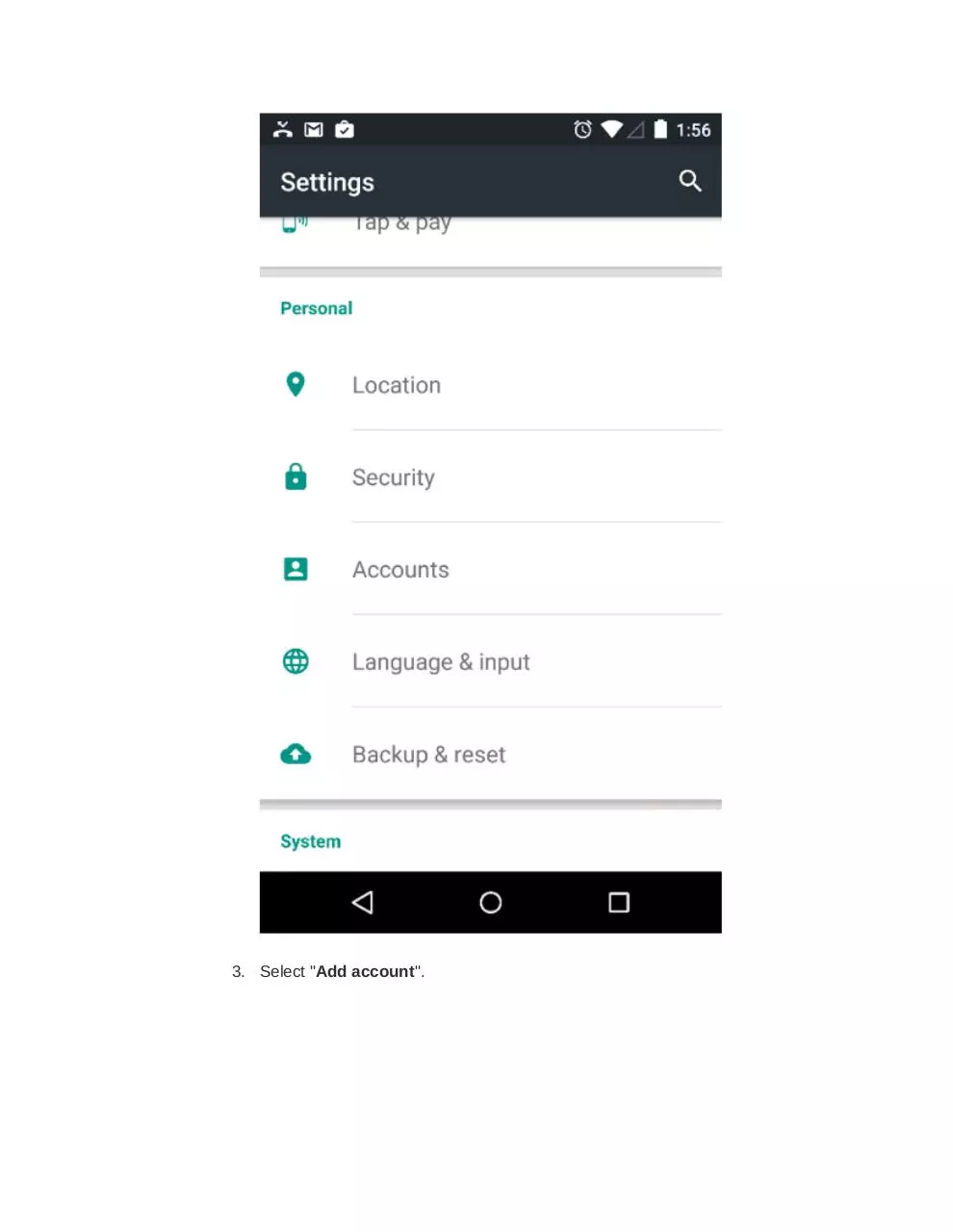
2. Within Settings, scroll down to the "Personal" section and select "Accounts".
�
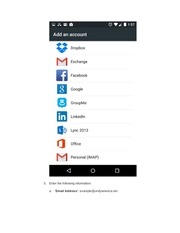
3. Select "Add account".
�
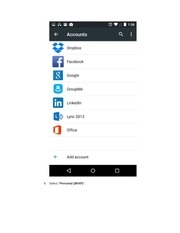
4. Select "Personal (IMAP)".
�
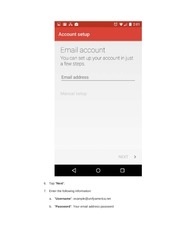
5. Enter the following information:
a. "Email Address": example@unifyamerica.net
�
6. Tap "Next".
7. Enter the following information:
a. "Username": example@unifyamerica.net
b. "Password": Your email address password
�
c. "Server": secure.emailsrvr.com
d. "Port": 993
e. "Security type": SSL/TLS (Accept all certificates)
f.
"IMAP path prefix": Leave this field blank
�
8. Tap "Next".
9. Enter the following information:
a. "SMTP Server": secure.emailsrvr.com
b. "Port": 465
c. "Security Type": SSL/TLS (Accept all certificates)
d. "Require signin": Checked
e. "Username": example@unifyamerica.net
f.
"Password": Your email address password
�
10. Tap "Next".
11. Adjust the displayed mailbox settings, if applicable.
�
12. Tap "Next".
13. Success! Your Nexus device should now begin syncing with your mailbox.
�
 Historical archive . public document