Room Selection Guide - with
Screenshots
This is a guide to selecting a room on campus at UMass Lowell through the Room
Selection Process
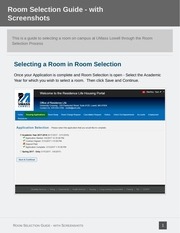
Selecting a Room in Room Selection
Once your Application is complete and Room Selection is open - Select the Academic
Year for which you wish to select a room. Then click Save and Continue.
ROOM SELECTION GUIDE - WITH SCREENSHOTS
1
�
Room Selection Guide - with
Screenshots
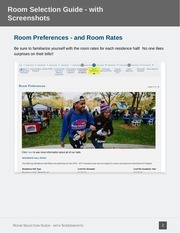
Room Preferences - and Room Rates
Be sure to familiarize yourself with the room rates for each residence hall! No one likes
surprises on their bills!!
ROOM SELECTION GUIDE - WITH SCREENSHOTS
2
�
Room Selection Guide - with
Screenshots
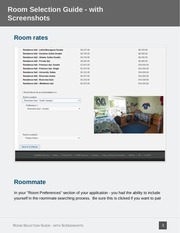
Room rates
Roommate
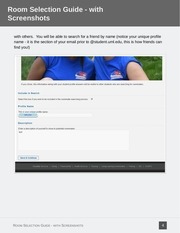
In your "Room Preferences" section of your application - you had the ability to include
yourself in the roommate searching process. Be sure this is clicked if you want to pair
ROOM SELECTION GUIDE - WITH SCREENSHOTS
3
�
Room Selection Guide - with
Screenshots
with others. You will be able to search for a friend by name (notice your unique profile
name - it is the section of your email prior to @student.uml.edu, this is how friends can
find you!)
ROOM SELECTION GUIDE - WITH SCREENSHOTS
4
�
Room Selection Guide - with
Screenshots
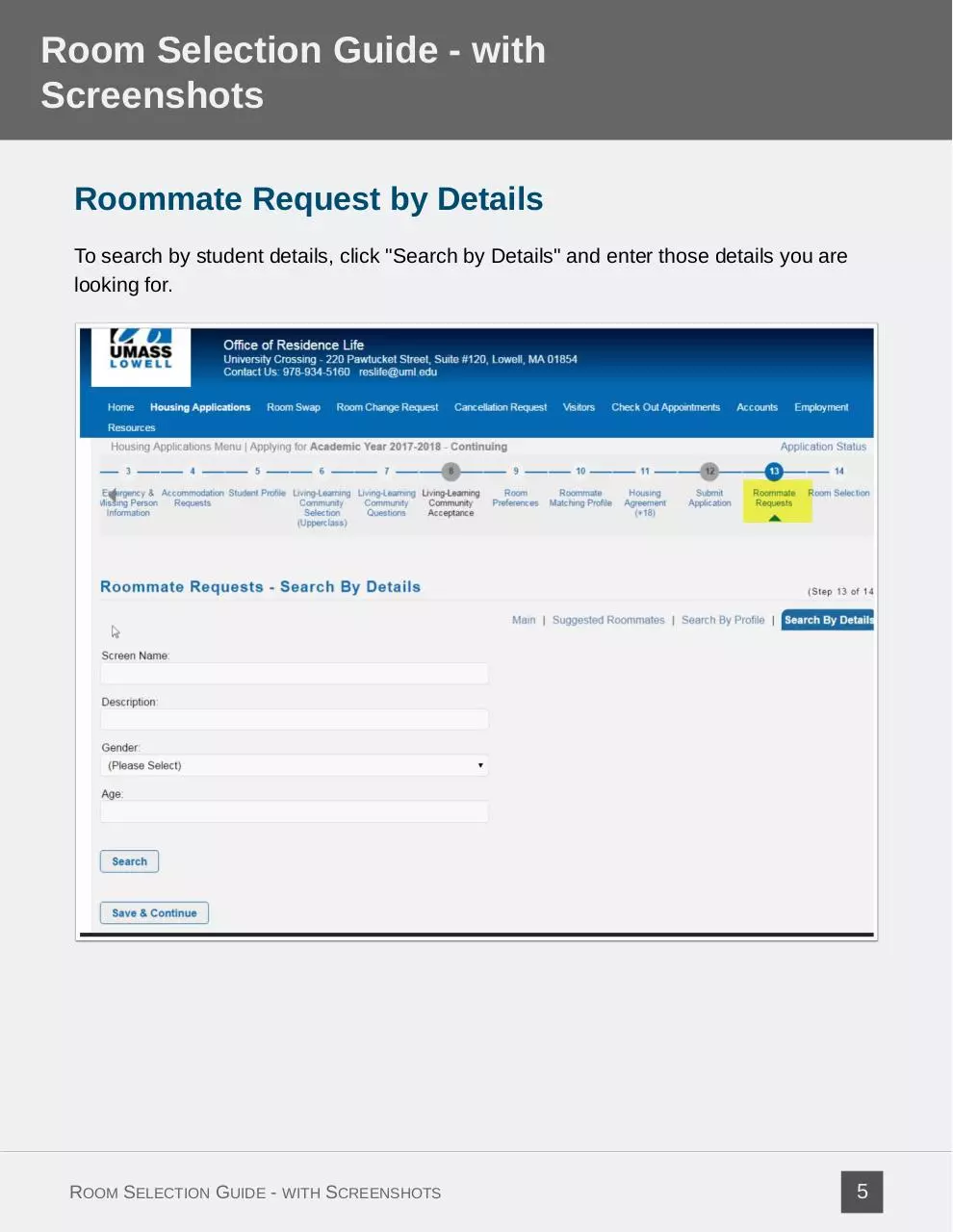
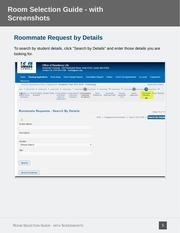
Roommate Request by Details
To search by student details, click "Search by Details" and enter those details you are
looking for.
ROOM SELECTION GUIDE - WITH SCREENSHOTS
5
�
Room Selection Guide - with
Screenshots
Roommate requests by Profile
ROOM SELECTION GUIDE - WITH SCREENSHOTS
6
�
Room Selection Guide - with
Screenshots
Roommate Requests by compatability
You are also able to find someone to room with based on your commonalities. The
system pulls out some suggested matches for you based upon the information you
provided in the Housing Application. Feel free to meet new people and discover
potential roommates with this tool!
ROOM SELECTION GUIDE - WITH SCREENSHOTS
7
�
Room Selection Guide - with
Screenshots
Accepting a Friend's Roommate Request
To successfully create a roommate match - ALL roommates much request/accept each
other (anyone who does not accept the roommate request will prevent the match from
being complete). To accept the request, log into the Housing Application and click on
Roommate Requests at the top of the page. Scroll down to see "Requested
Roommates" and click "Accept Request".
ROOM SELECTION GUIDE - WITH SCREENSHOTS
8
�
Room Selection Guide - with
Screenshots
Confirm your Acceptance
Click "yes" to accept the request.
ROOM SELECTION GUIDE - WITH SCREENSHOTS
9
�
 Historical archive . public document